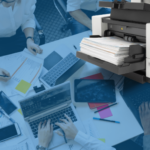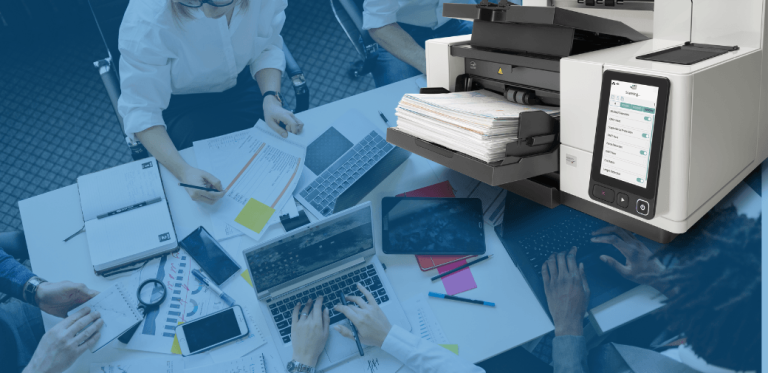
Businesses handle a steady flow of paperwork, from invoices and contracts to customer records and internal reports. Without an organized system, managing these documents can take valuable time and make important information harder to find. Modern scanning solutions and document capture software help organizations transition from paper based processes to more efficient digital workflows. By combining suitable scanning equipment with consistent document management practices, businesses can improve accessibility, organization, and productivity.
Improving Business Workflows With Data Capture Software
Digitizing paperwork involves more than creating digital copies. Businesses also need reliable ways to capture, process, and organize information so documents can be used effectively. Data capture software can support these processes by helping organizations manage scanning tasks and prepare documents for their intended business workflows.
PaperStream Capture Pro from PFU America provides advanced document capture capabilities for businesses that need structured scanning processes. Depending on the workflow, organizations can use document capture tools to help standardize how paperwork is processed and reduce repetitive manual steps. This can be useful in environments where employees regularly handle forms, invoices, applications, or other records.
A successful digitization process also depends on clear procedures. Establishing consistent file naming conventions, organizing documents into logical categories, and setting appropriate access permissions can make digital records easier to maintain. Businesses should evaluate their document volume, existing systems, and operational requirements when deciding which capture tools best support their needs.
Making Scanned Documents Searchable With OCR Technology
Scanned documents are easier to work with when users can find information without opening every file individually. Optical character recognition, commonly known as OCR, converts text within supported scanned images into machine readable text. Depending on the software and document quality, this can help users search for words or details within digitized records.
OCR can be particularly helpful for organizations that maintain large collections of paperwork. Employees may need to locate a customer name in an archived form, find a specific invoice, or review information in a collection of reports. Searchable documents can make these tasks more efficient than relying entirely on manual browsing.
The quality of OCR results can depend on factors such as image clarity, document condition, layout, and language. Clear scans and a consistent capture process can help support better recognition. Businesses should also review important extracted information when accuracy is critical, especially for financial, legal, or other sensitive records.
Choosing Scanning Solutions for Everyday Document Management
The right scanning setup depends on the types of documents a business handles and how frequently it needs to digitize them. Organizations processing routine paperwork may benefit from equipment designed for everyday document capture, while specialized workflows may require different scanning features or software capabilities.
PFU America’s scanner options can help users digitize and manage everyday documents. For people looking for a home scanner, factors such as available workspace, document volume, ease of use, and how scanned files will be organized can help guide the decision.
Ultimately, efficient document management relies on a combination of appropriate tools and repeatable practices. Scanning equipment, capture software, and OCR capabilities can each play a role in making records more accessible. By building a process that fits their needs, organizations can reduce dependence on paper and create a more organized approach to managing business information.